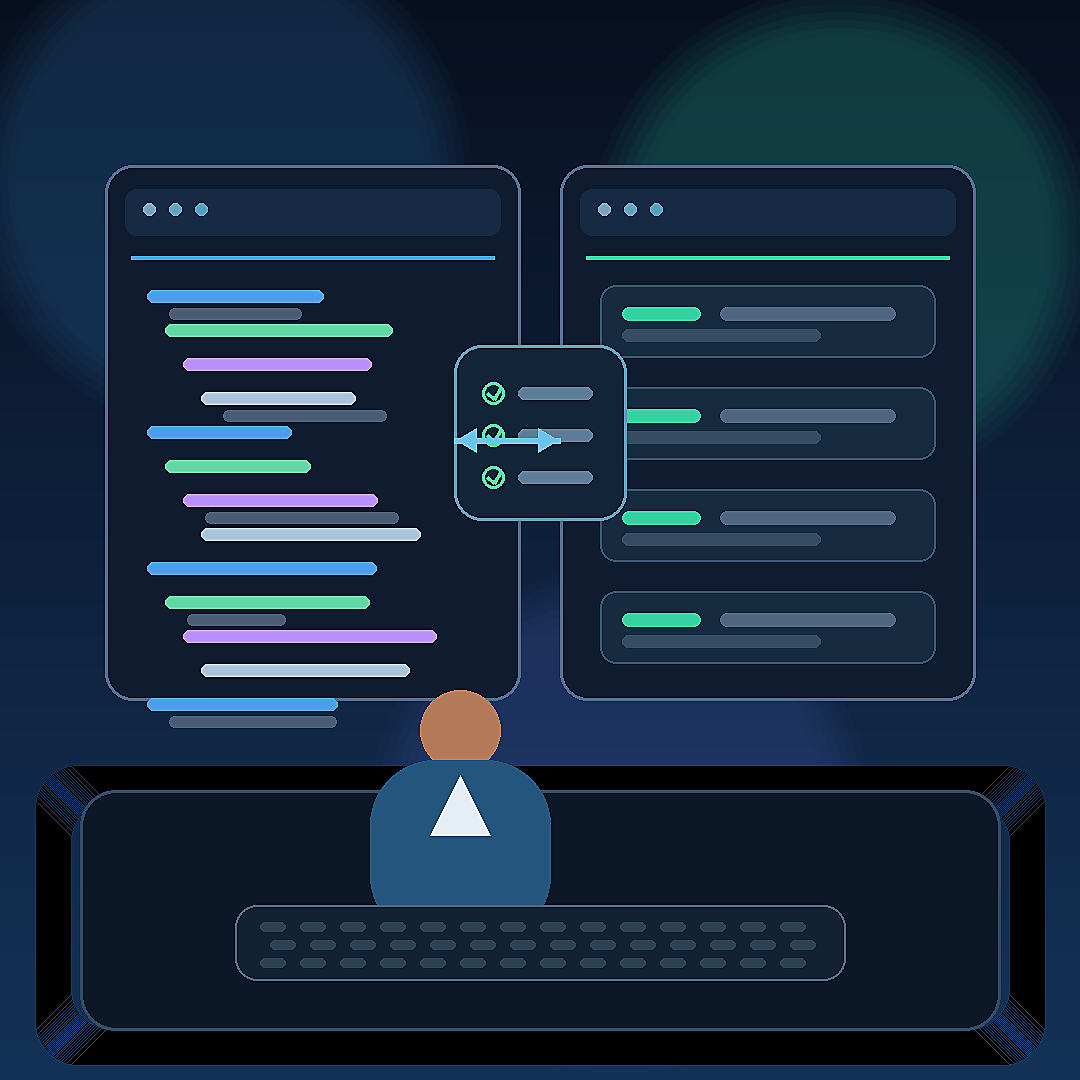
GitHub Copilot brings browser tools to agents in VS Code
GitHub Copilot brings browser tools to agents in VS Code
GitHub has made a key capability for Copilot agents in Visual Studio Code generally available: built-in browser tools. The feature lets an agent drive a real browser, inspect a running web application and bring findings back into the chat, while remaining subject to permission and network-domain controls.
What happened
On July 1, GitHub said in its changelog that browser tools for GitHub Copilot in VS Code are now generally available. According to the announcement, agents can navigate live web apps, interact with pages and use what they find as context inside the development conversation. The feature is enabled by default in VS Code Insiders and in the latest stable version, while the user retains control over sensitive actions.
Visual Studio Code documentation reinforces the use case: working with agents to build and test web applications, using browser agent tools to validate changes and combining the flow with Copilot agent mode. In practical terms, this moves the coding assistant closer to a fuller cycle: write code, open the interface, inspect behavior and bring observations back into the editor.
Why it matters
The news matters because many software problems are not visible by reading files alone. They appear when an interface loads incorrectly, a button does not respond, a form fails, a route breaks the layout or an app displays an unexpected state. Until now, the developer often had to switch between editor, browser, inspection tools and chat. With browser tools, the agent can observe part of that environment and help close the gap between code and real user experience.
For teams already using Copilot, the change pushes the assistant toward more agentic tasks. This is not only autocomplete or code explanation. The model can participate in testing, debugging and visual review flows, provided the project and organization allow that level of access.
What changes for users and companies
For individual developers, the potential benefit is speed in small cycles: asking the agent to test a view, confirm whether a basic flow works or collect evidence about a problem without leaving the editor. For companies, the key issue is governance. GitHub says browser actions remain subject to user permissions, network controls and limits that organizations can manage.
That distinction matters. Giving an agent access to a web application should not be confused with giving it unlimited authority over internal systems. The editorial value is the pattern: agents with concrete tools, observable results and explicit permissions. It is the same shift visible in other enterprise AI environments: less chatbot magic and more controlled integration with real tools.
Product and automation context
Nova Rivera's reading is that this kind of feature shows a clear direction for developer copilots. The market is moving from assistants that answer questions to agents that execute steps inside a workflow. In web development, the browser is a critical part of that workflow. If the agent can see and use it within limits, its help can become closer to the daily work of a software team.
Still, the capability does not remove human review. Automated tests, code review, security controls and access policies remain necessary. An agent may find signals and suggest fixes, but it should not become the only judge of quality.
What remains unclear
What remains to be proven is how the feature behaves in large projects, with applications protected by authentication, sensitive data, complex flows or strict corporate rules. It is also not proven that it reduces defects for every team. The confirmed signal is narrower and concrete: GitHub is integrating the browser as an available tool for Copilot agents in VS Code, expanding the range of tasks a coding assistant can attempt inside the editor.
Sources consulted
GitHub Changelog: Read More Code agents documentation: Read More Code agent/chat documentation: Read More by Nova Rivera — Product and automation perspective.
Sources: GitHub Changelog, Visual Studio Code Docs,